This page contains affiliate links. If you choose to purchase after clicking a link, I may receive a commission at no extra cost to you.
Ah, the invisible decrease! A superhero among amigurumi stitches!
In this tutorial, I’ll be showing the single crochet (sc) invisible decrease. The invisible decrease is an invaluable addition to your amigurumi tool belt. While there is nothing wrong with a traditional decrease (and I use them too on certain projects), using an invisible decrease instead can give you project that extra pop.
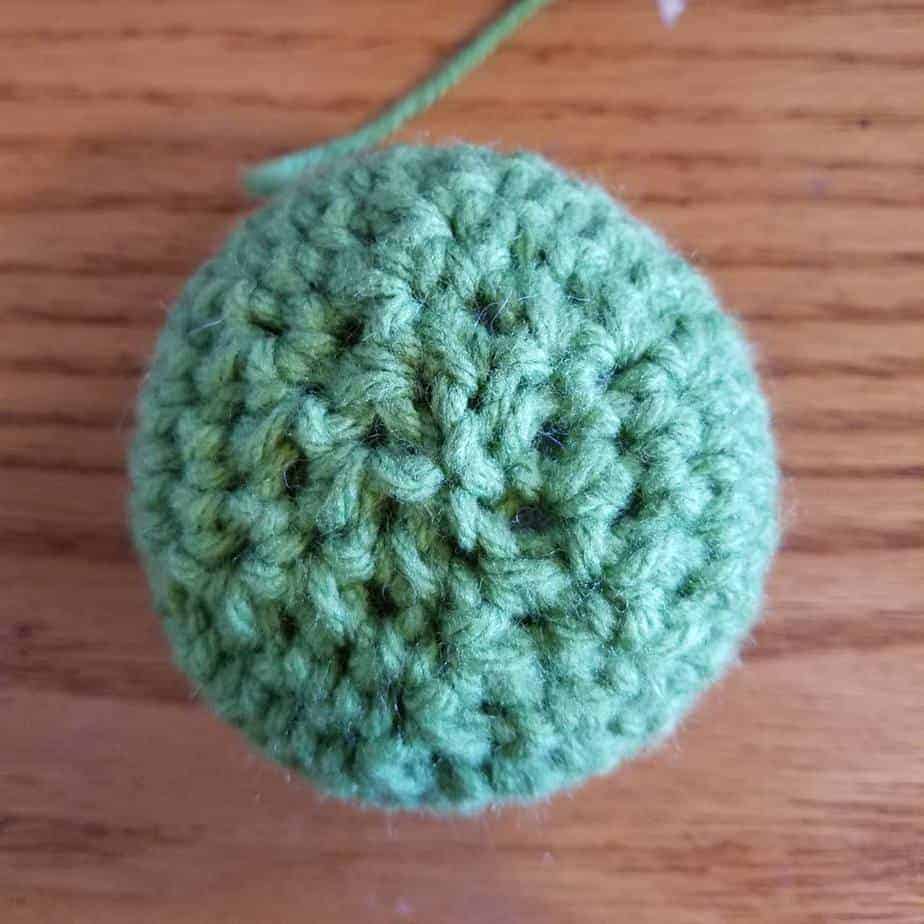
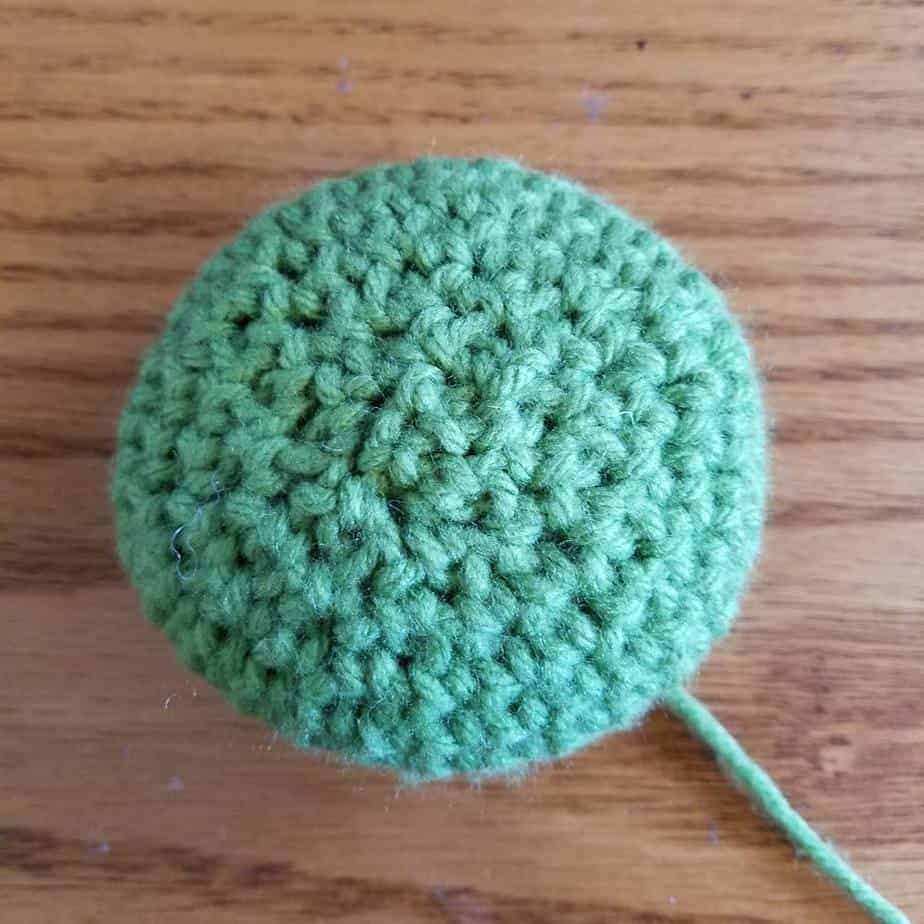
Top View | Left: Traditional Decrease, Right: Invisible Decrease
The obvious benefit is hiding your decreases. This decrease also prevents stuffing from squeezing through the gaps between the stitches and smooths out the surface of the crochet.
Really the only downfall to the invisible decrease for amigurumi is that it makes it much harder to see your decreases, so you have to be diligent when counting stitches.
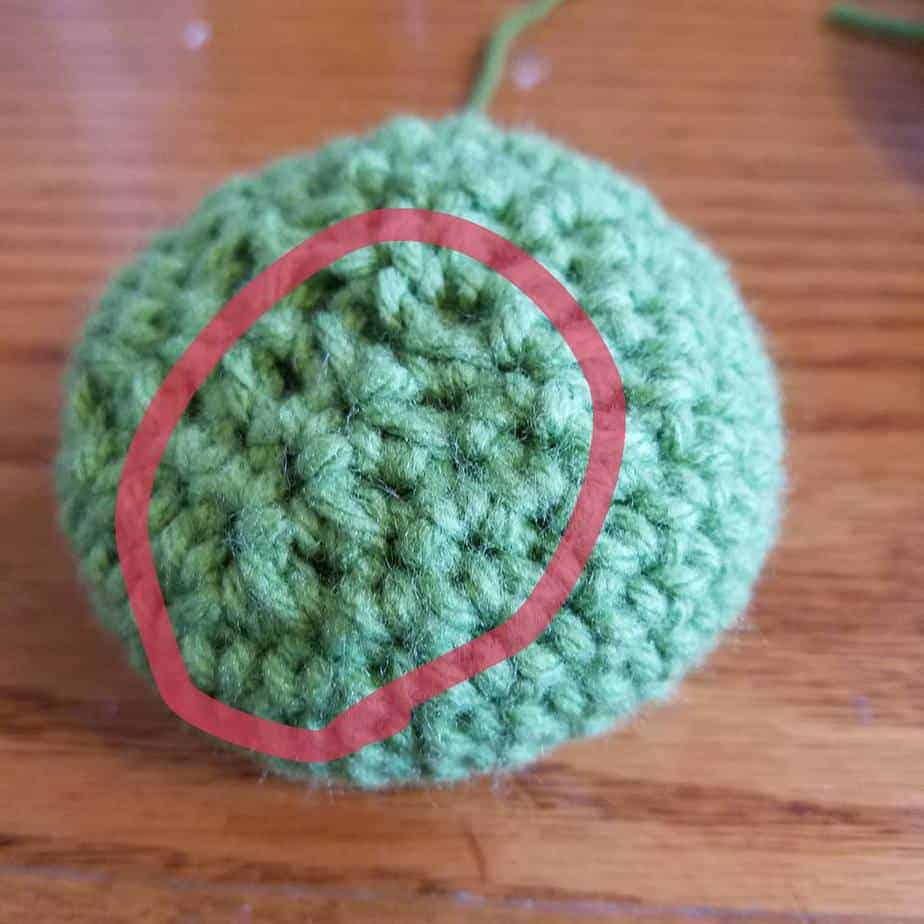
Side View | Left: Traditional Decrease, Right: Invisible Decrease
The traditional decrease is done by inserting the hook under both loops of the first stitch to decrease, pulling up a loop, then inserting the hook under both loops of the second stitch and pulling up a loop. Then you yarn over and pull through all three loops on the hook. This turns your two single crochets into one single crochet. It leaves a slightly-bulky, triangular stitch that stands out and can let stuffing through.
In the video, I demonstrate the traditional decrease first and then rip it out and demonstrate an invisible decrease.
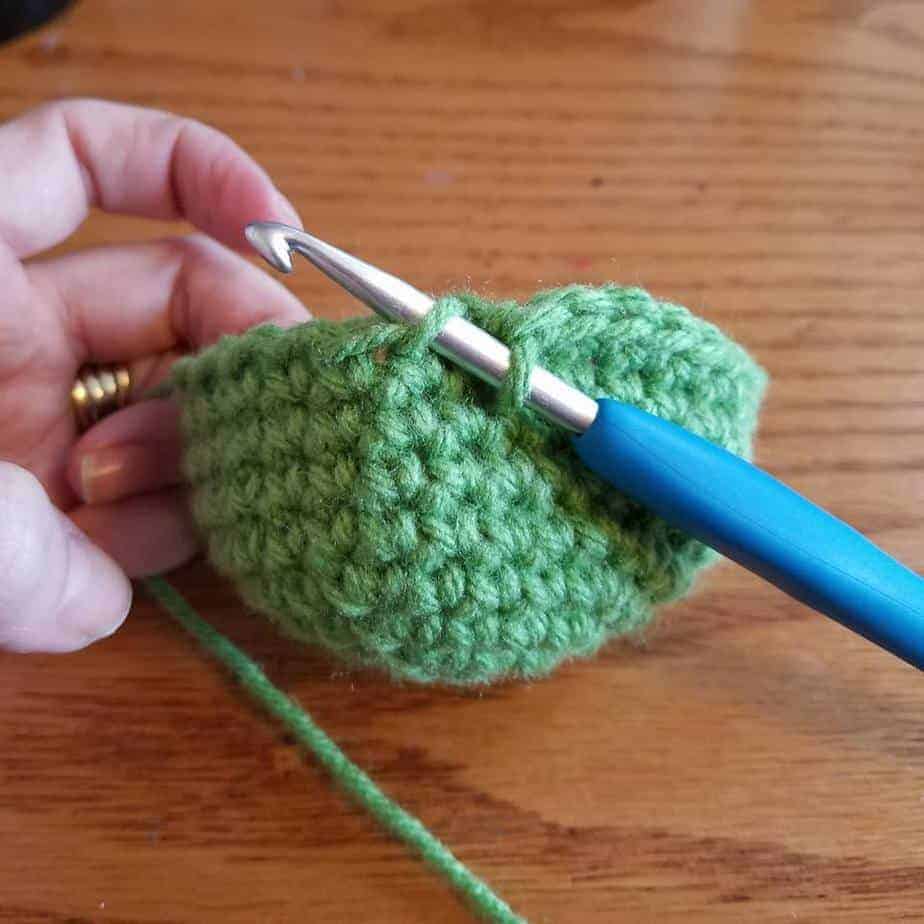
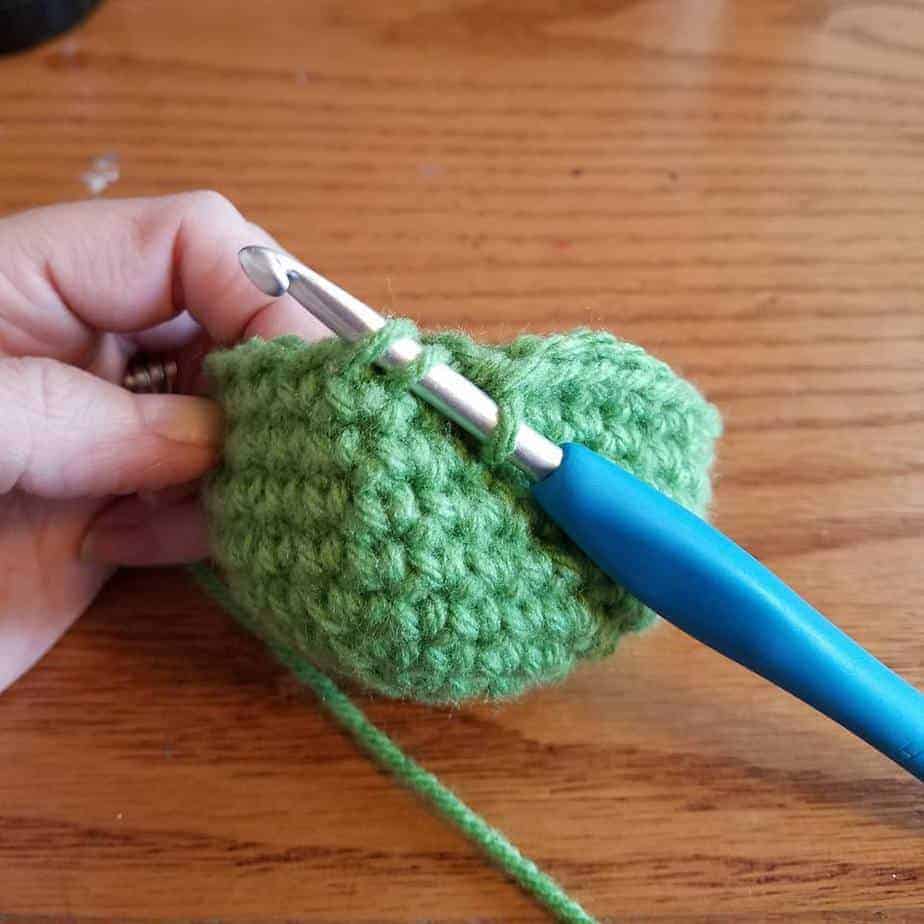
The invisible decrease is done by inserting the hook under the front loop of the first stitch to decrease, NOT pulling up a loop,
then inserting the hook under the front loop of the second stitch.
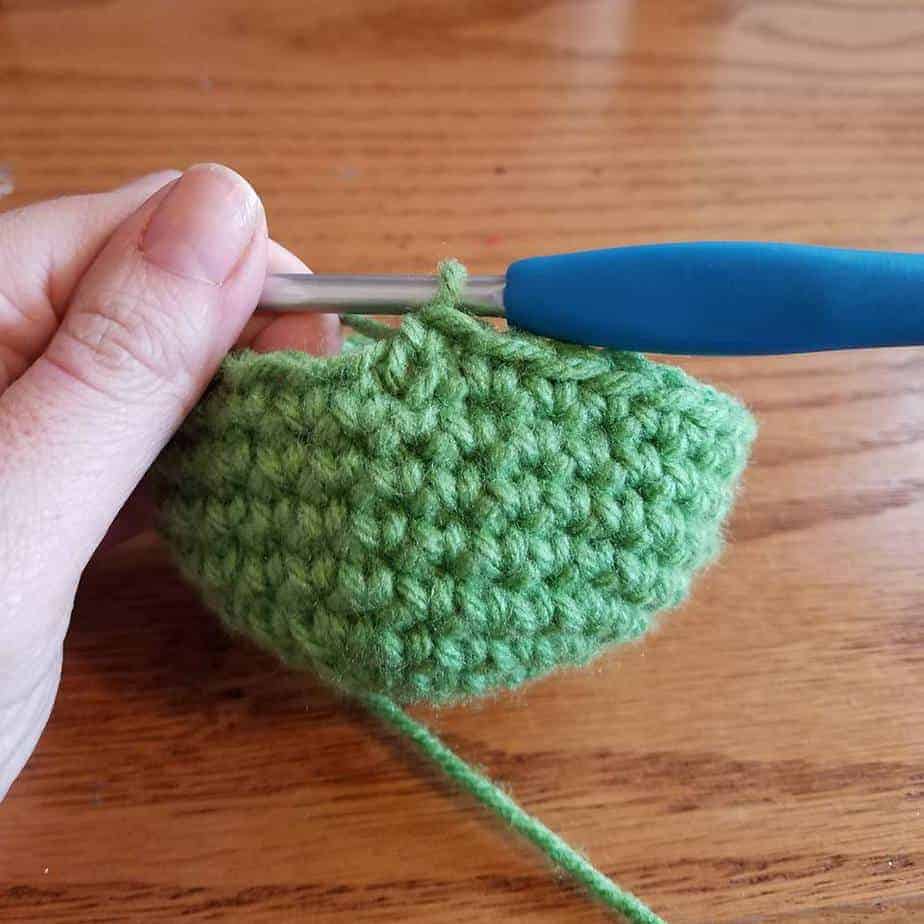
Yarn over, pull through two loops on the hook, yarn over, then pull through two loops on the hook again.
This also turns two single crochets into one, but leaves only a small visible slant in the remaining stitch.
Tip: When you start using this stitch, be sure to count your stitches! When they are hard to see, especially when you aren’t used to looking for them, it can be hard to keep track of all your stitches.
Here it is a few more times. Three invisible decreases in a row.
https://youtu.be/tk2n4rpP9cc
Want to save this tutorial for later or share it with friends?
Kati is the designer behind Hooked by Kati. With thousands of patterns sold around the world, Kati prides herself in creating innovative, easy-to-follow amigurumi patterns. She has designed for several publications, including Crochet!, Crochet World, Simply Crochet, and I Like Crochet. Kati finds her inspiration in science fiction, video games, and numerous visits to the zoo — all passions she shares with her husband and two boys.
One Comment
I’m a beginner but I really love your crotchet to the core I really love it





I’m a beginner but I really love your crotchet to the core I really love it